
My earbuds, a pair of Samsung Galaxy Buds 2, are a bit broken. The touch controls don't work like they used to, and I can't be bothered to figure out why. Of it, the only thing I miss is the ability to toggle the noise controls between Active Noise Cancelling and Ambient Sound. I used to be able to long press an earbud [1], but now I have to unlock my phone, go into the Bluetooth settings, and access the earbud-specific settings menu to switch the selected noise control.
Update from sometime in 2024: I realized that I deleted the Galaxy Wearable app at some point and that was what broke noise controls, grumble grumble why do we need another app to access hardware features...
The Dreaded Settings Menu
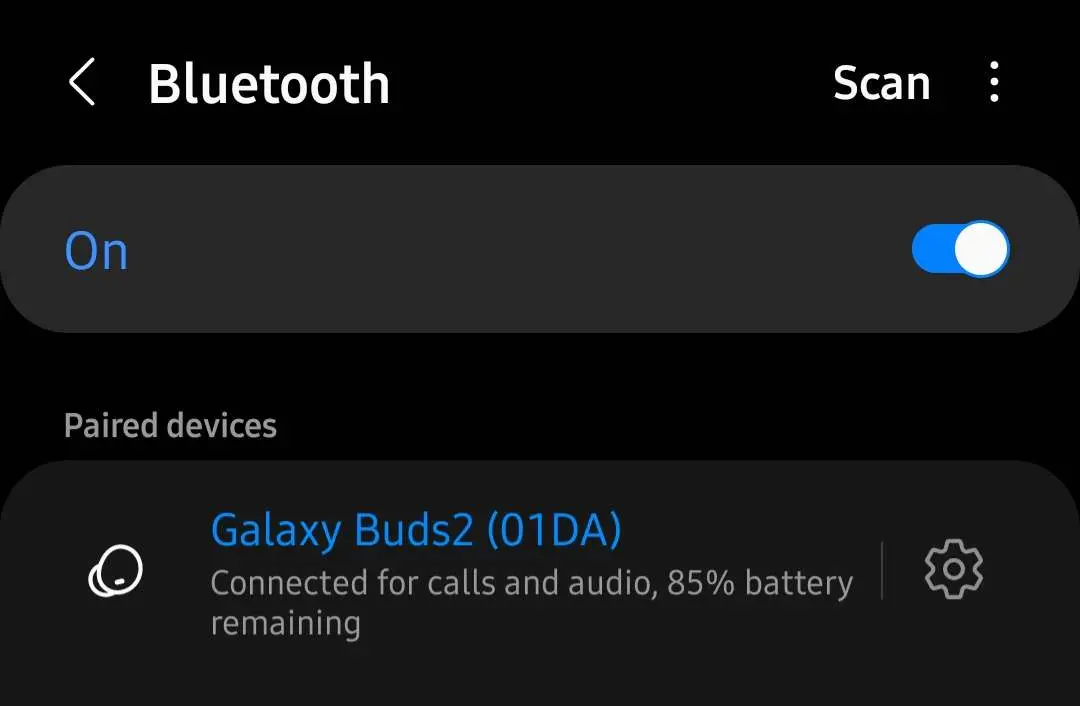
The settings menu looks like this. To pair and unpair the earbud, I can click anywhere on the list item. To access device-specific settings, all I have to do is click on the gear icon.
You would think given the vertical bar between the device name the icon that click target for the device-specific menu is this:
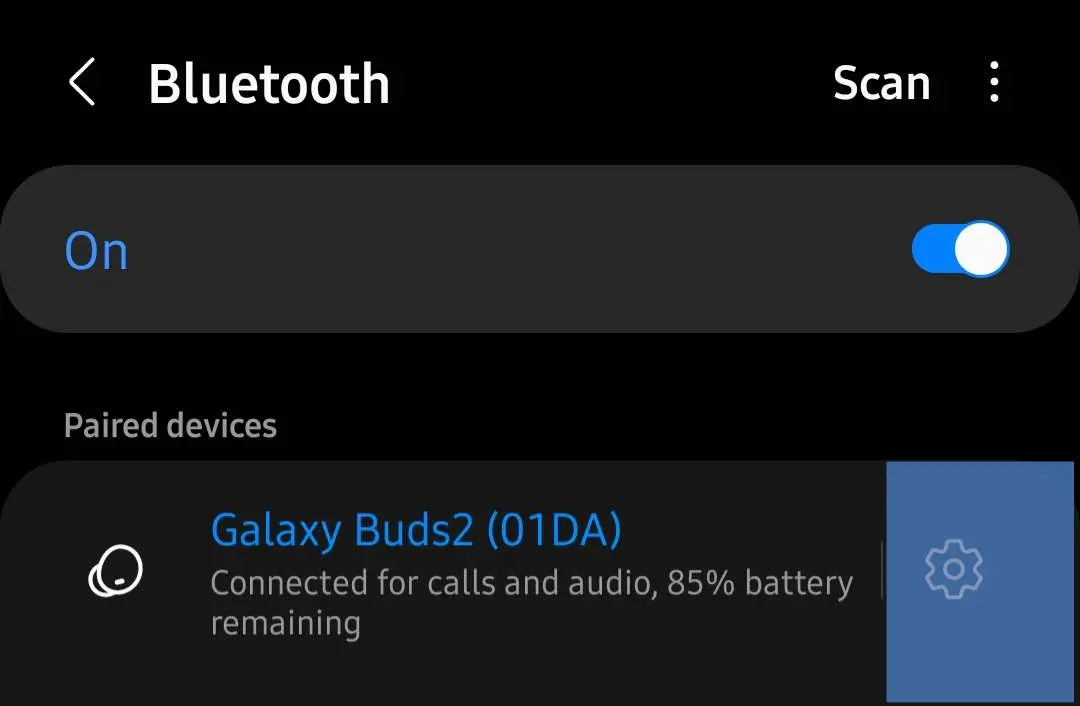
But in actuality, the click target is this:
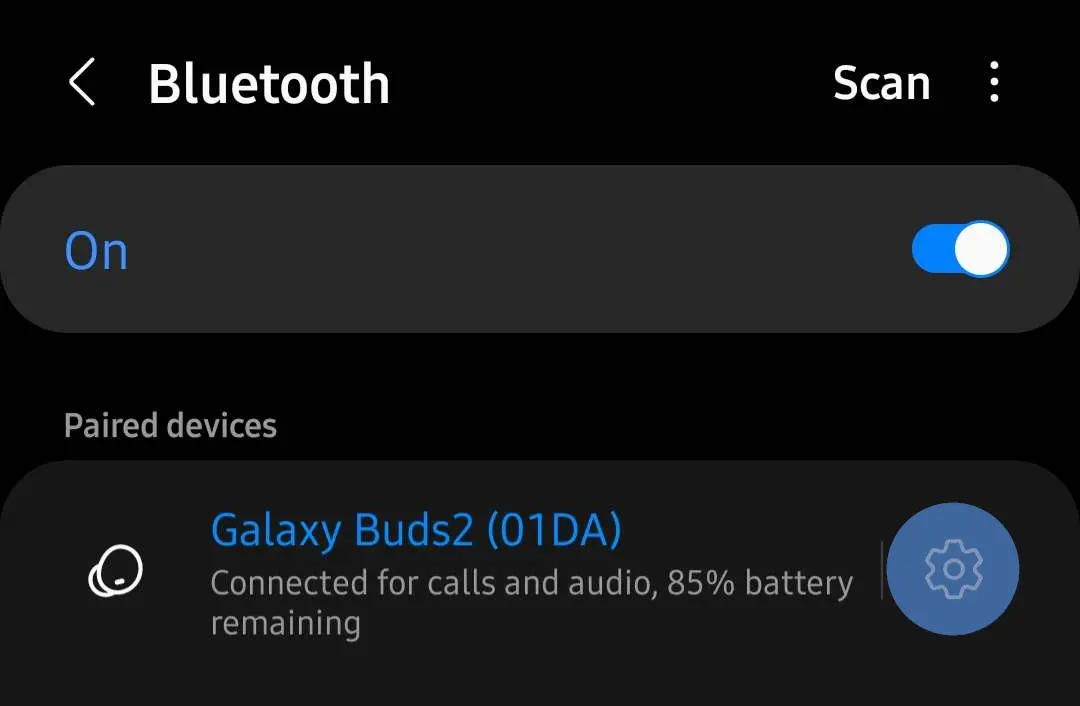
Now at least the click target isn't the size of the actual gear and no bigger, but given the amount of space available to click to pair and unpair the earbuds, you would ideally have a much bigger click target.
Personally, I have a 60% success rate in clicking the gear as opposed to unpairing my earbuds and then having to reconnect and replay my music. This is a skill issue, but I do wish the UX is more geared towards people with skill issues, especially on my phone with a rather narrow (by modern standards) screen.